One connected workspace

Tools that keep your projects and people moving

Explore practical tools for planning projects, coordinating teams, managing tasks, and seeing work progress in real time.

4 Core CRM Modules
Gantt & Milestones
Live Team Progress
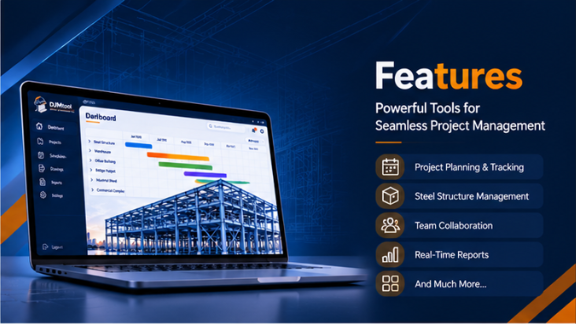
DJM Tool dashboard on a laptop with a list of project management features

Four essential tools

A clearer view of your workflow

Move from planning to delivery with project information and team updates in one place.

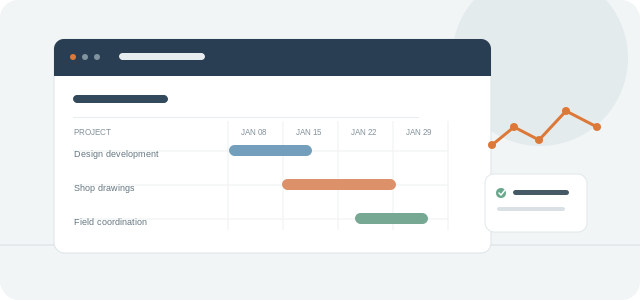
Project timeline with milestones and scheduled work
01

Plan and coordinate

Project Management

Keep project details, schedules, milestones, and handoffs visible in one organized workspace. Give the team a shared view of what’s moving and what comes next.

  • Keep project milestones and key dates together
  • Review schedules and work across active projects
  • Coordinate drawing and project handoffs
Learn more about Project Management
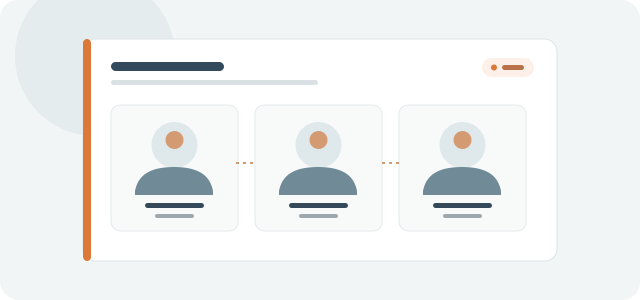
Team members organized by role and project responsibility
02

Bring people together

Employee Management

Make it easier to understand who is on the team and how responsibilities are shared across your projects.

  • Keep employee and team information organized
  • Clarify roles and project responsibilities
  • Coordinate people across project teams
Learn more about Employee Management
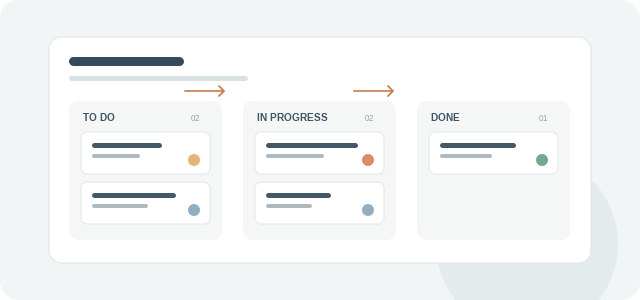
Project task board with assigned, active, and completed tasks
03

Turn plans into progress

Task Management

Break project work into clear, manageable tasks. Keep ownership and progress easy to follow as work moves toward completion.

  • Organize work into clear tasks and next steps
  • Keep task ownership visible to the team
  • Follow task progress through completion
Learn more about Task Management
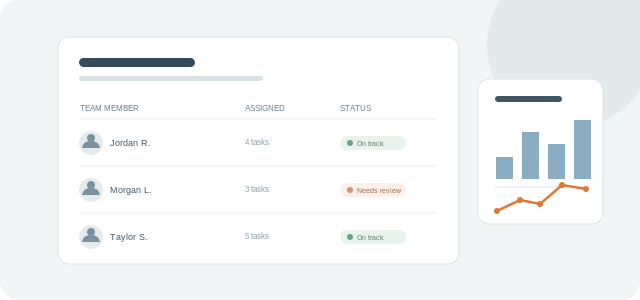
Team workload overview showing work progress and status
04

See team progress

Employee Monitoring & Tracking

Use work and project updates to understand progress and workload at a glance. Keep visibility focused on assigned tasks and shared project status.

  • Follow progress on assigned work
  • Review project updates and outstanding tasks
  • Spot workload imbalances and coordination needs
Learn more about Employee Tracking

Ready to learn more?

Let’s talk about your team’s workflow.